Giving Sandstone's Docs a Landing Page
Overview
Sandstone is a TypeScript library for writing Minecraft datapacks, instead of hand-writing .mcfunction files and JSON resources, you write TypeScript and get full autocompletion for every command, predicate, loot table, and advancement in the game. The docs site (built on Docusaurus) already had working interactive code snippets, live Monaco editors that compile Sandstone straight to vanilla commands in the browser, but the landing page around them didn't have much personality. It looked like any other docs starter kit.
I redesigned the landing page to actually feel like a Minecraft library, then came back later and built out a full community showcase section so the library could point at real projects instead of just toy examples.
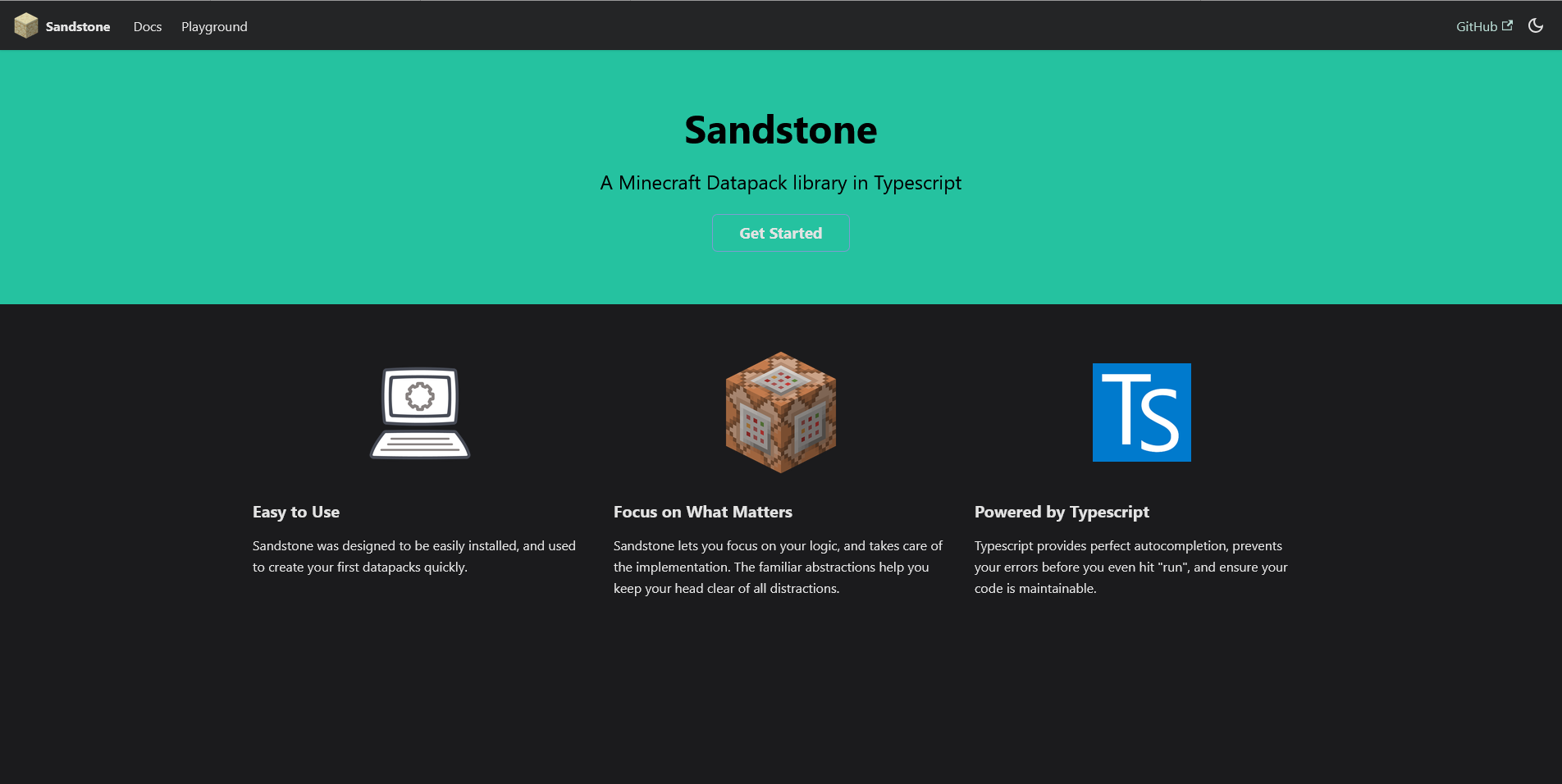
This is what it looked like before, the stock Docusaurus green, a computer icon for "Easy to Use," a TypeScript logo for "Powered by Typescript." Nothing here says Minecraft, or Sandstone specifically. It could be the homepage for any library.
A New Theme
The redesign leans on two Minecraft-specific details instead of generic branding:
Monocraft, a pixel font shaped after Minecraft's own typeface for headings, paired with JetBrains Mono for code so body text stays readable.
Material-named accent colors (--grass, --sandstone, --diamond, --redstone, --gold, --iron, --copper) instead of a primary/secondary pair. These get reused later for the showcase tag chips, so the whole site pulls from one small, on-theme palette rather than an arbitrary design-token list.
The hero keeps the interactive snippet that was already there, just wraps it with a Panel styled with a pixel border, with a live Monaco instance on the top and the compiled .mcfunction output on the bottom.
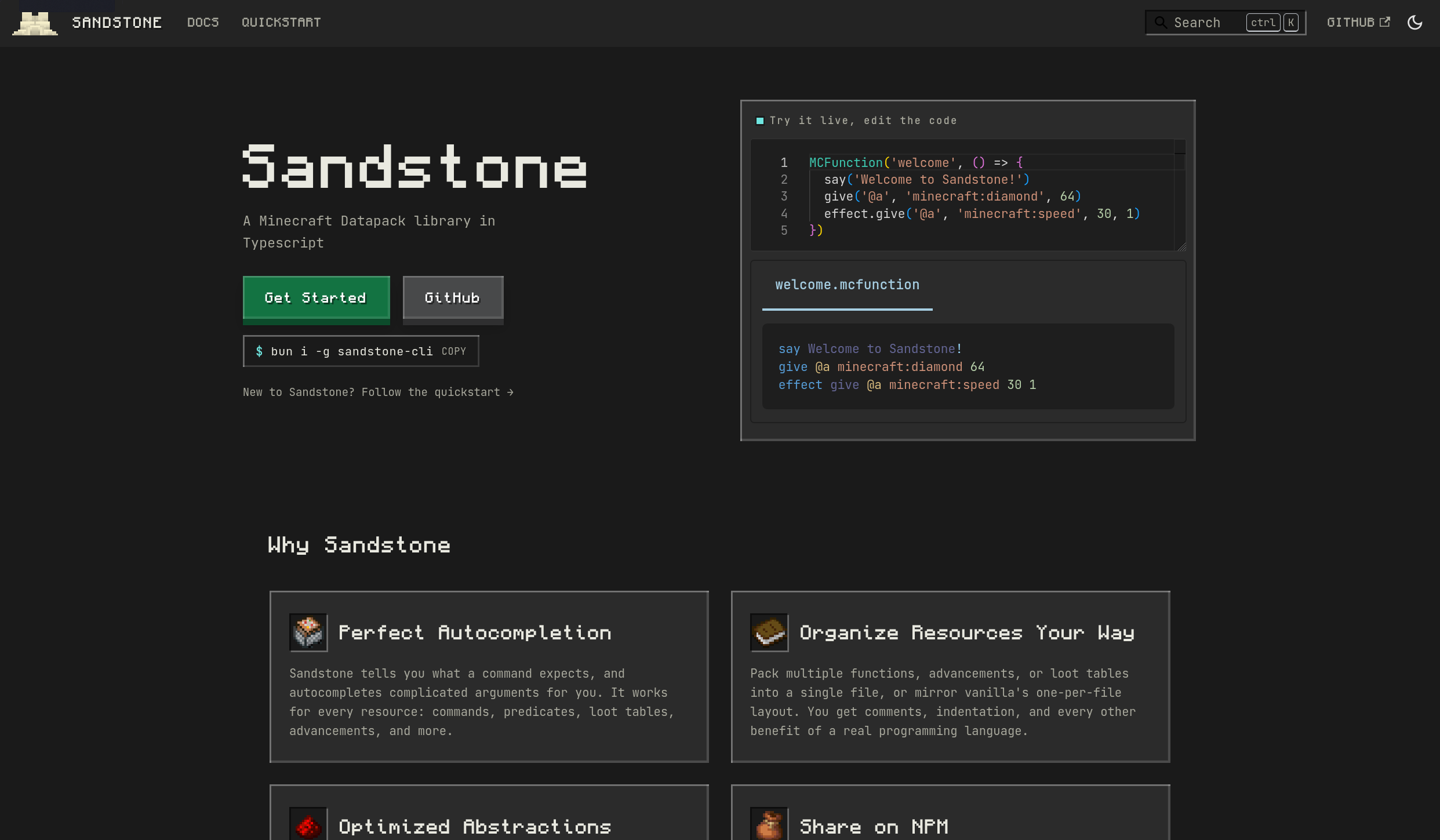
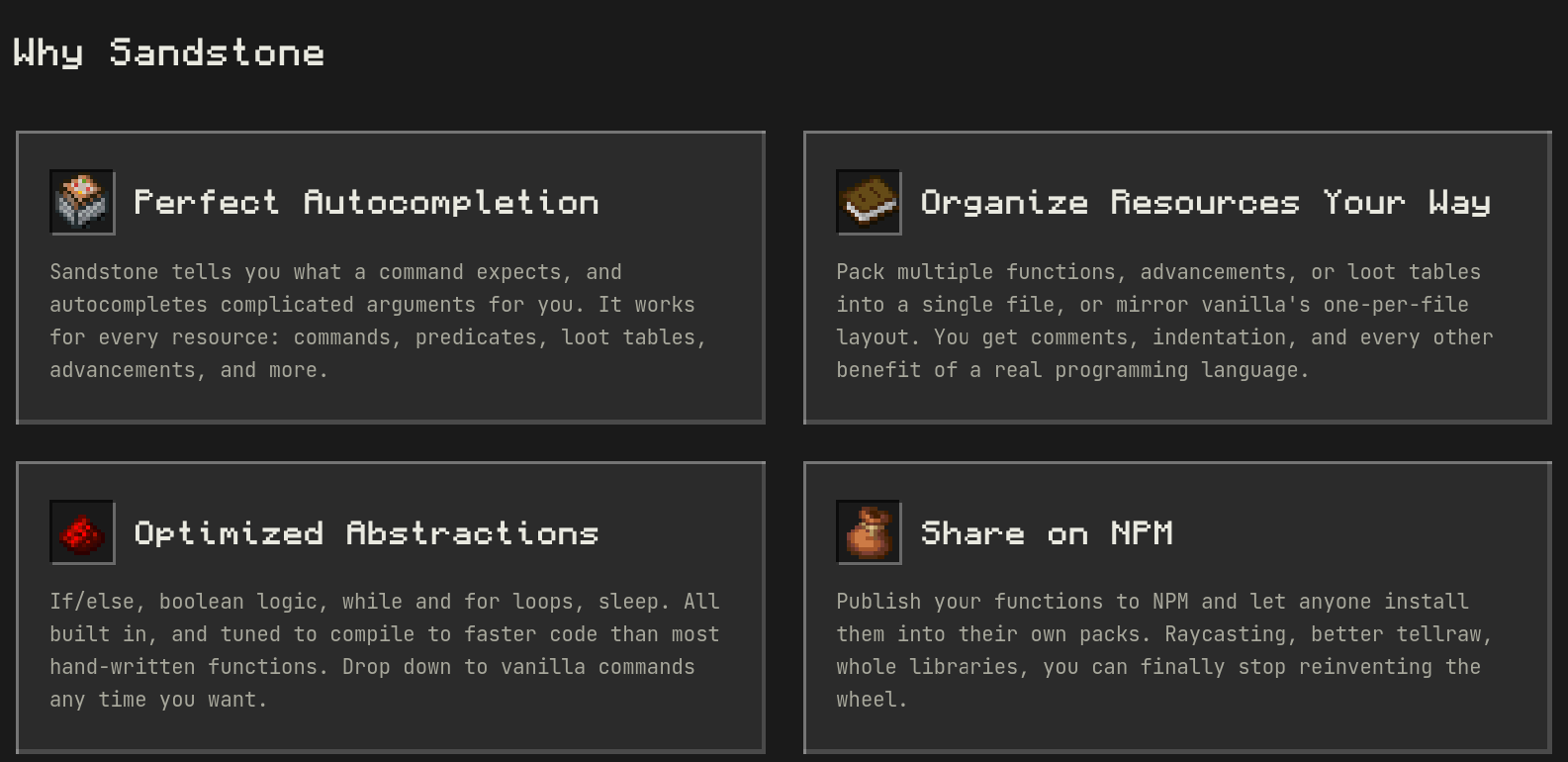
Below the hero, four feature cards explain why Sandstone instead of raw datapacks, each with a Minecraft item icon rather than a generic SVG:
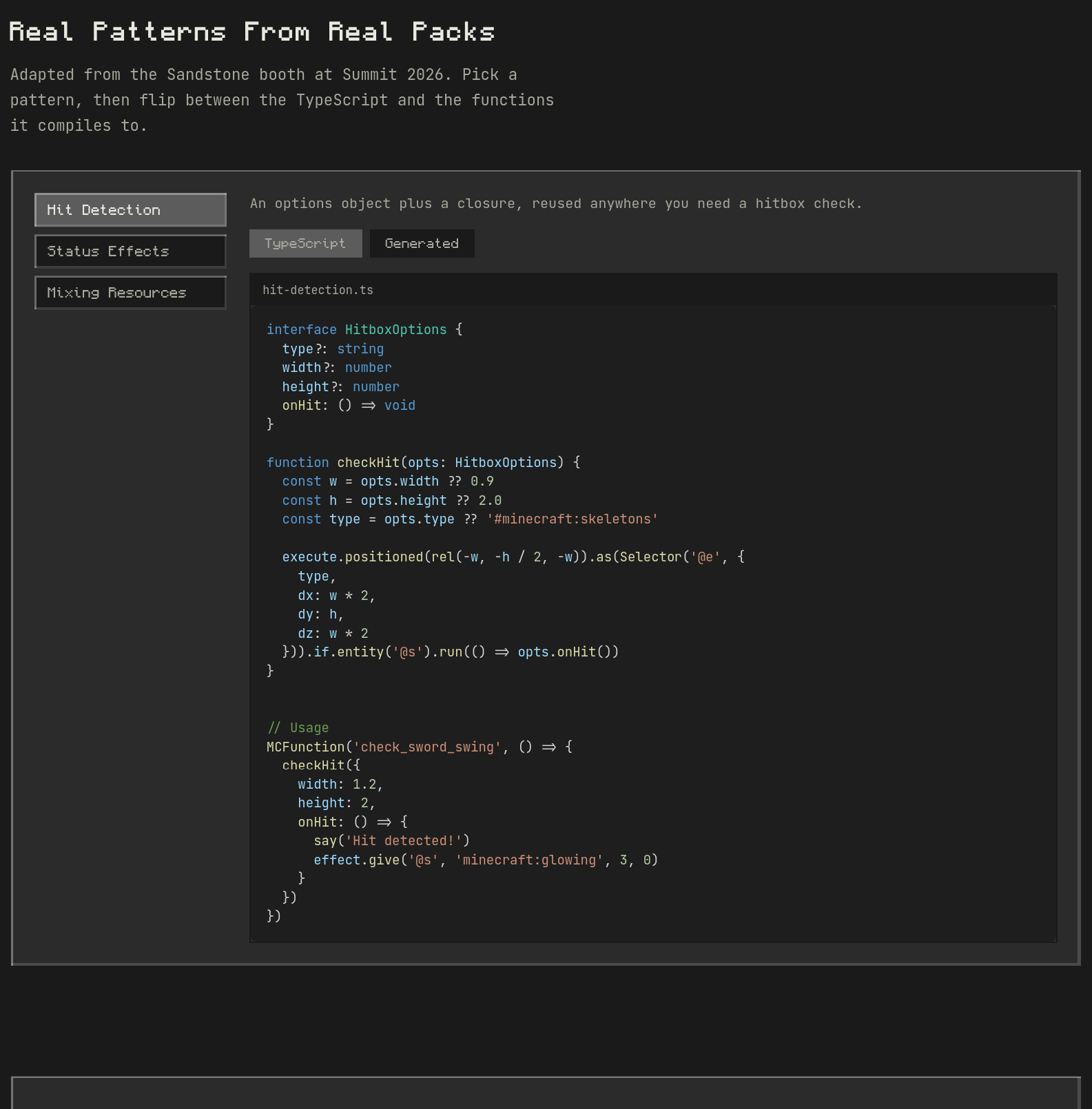
Real Patterns From Real Packs
The most fun piece to build was PatternShowcase, a two-pane component with a sidebar of named patterns (Hit Detection, Status Effects, Mixing Resources) and a content area that flips between the TypeScript source and the vanilla output it compiles to.
const [activeDemo, setActiveDemo] = useState(0)
const [activeTab, setActiveTab] = useState<'code' | 'output'>('code')
Each demo is just data, a title, a TypeScript snippet, and an array of the generated files with their content pre-baked, so switching tabs is instant with no compiler involved:
{
  title: "Status Effects",
  filename: "status-effect.ts",
  code: statusEffectCode,
  generatedFiles: [
    { name: "ignite_target.mcfunction", content: "function default:status/burning/apply" },
    { name: "status/burning/apply.mcfunction", content: "scoreboard players set @s ..." },
    // ...
  ],
}
Building a Community Showcase
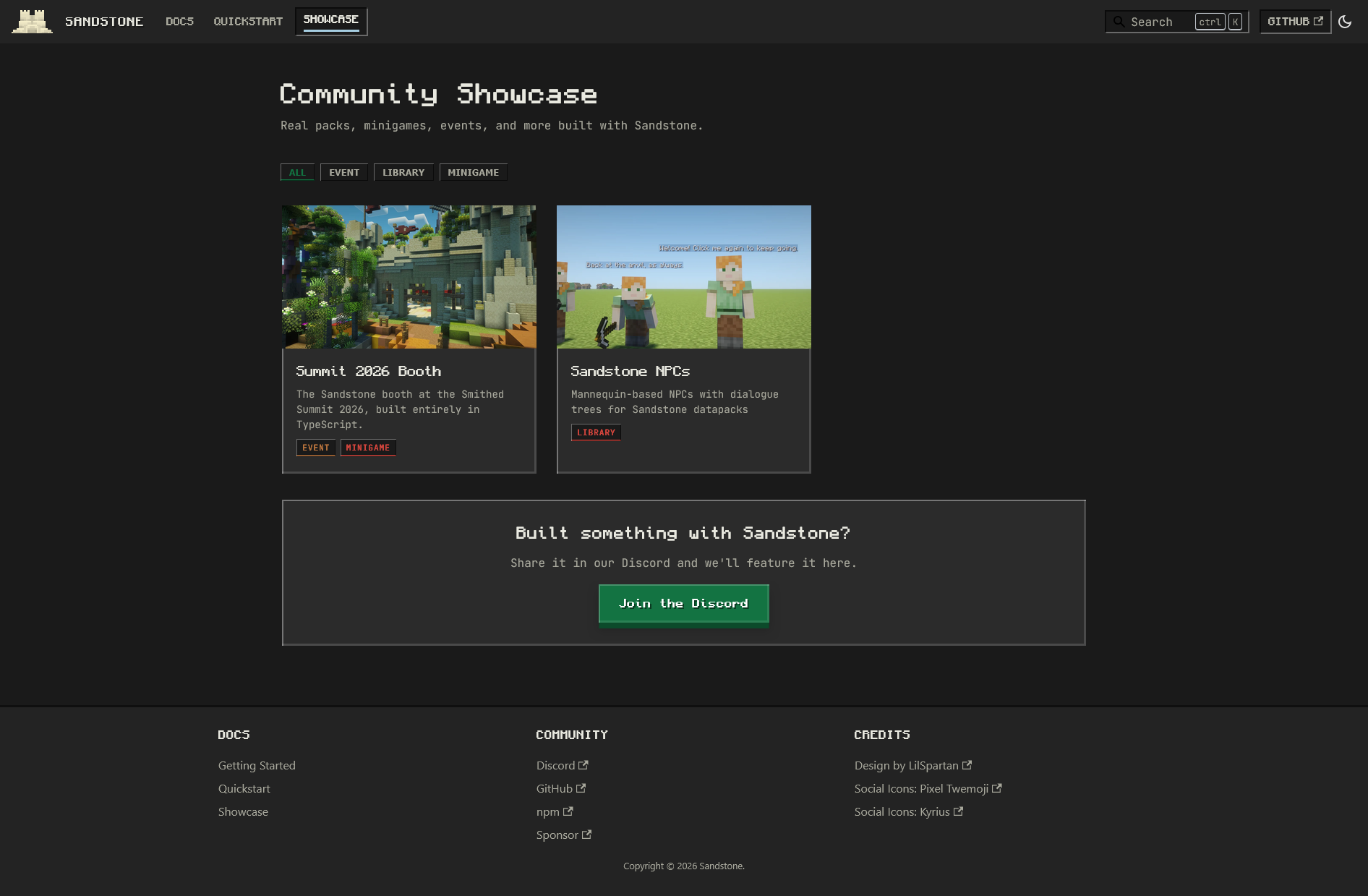
Once the Summit 2026 booth existed as a real, demonstratable project (an entire in-game area built with Sandstone: NPCs, an elevator, even a presentation rendered through a custom JSX renderer) it needed a spot on the docs site. That turned into a full Community Showcase section: an index page, per-project detail pages, and a submission path, all without a backend.
Data-Driven Routes
Each showcase entry is one JSON file in data/showcase/. A Docusaurus content plugin reads all of them at build time and turns them into static routes:
// plugins/showcase/index.js
async contentLoaded({ content, actions }) {
  const { projects } = content;
  const { addRoute, createData, setGlobalData } = actions;

  addRoute({ path: "/showcase", component: INDEX_PAGE_COMPONENT, modules: { projects: projectsDataPath } });

  for (const project of projects) {
    addRoute({
      path: `/showcase/${project.slug}`,
      component: PROJECT_PAGE_COMPONENT,
      modules: { project: projectDataPath },
    });
  }
}
The Project Page
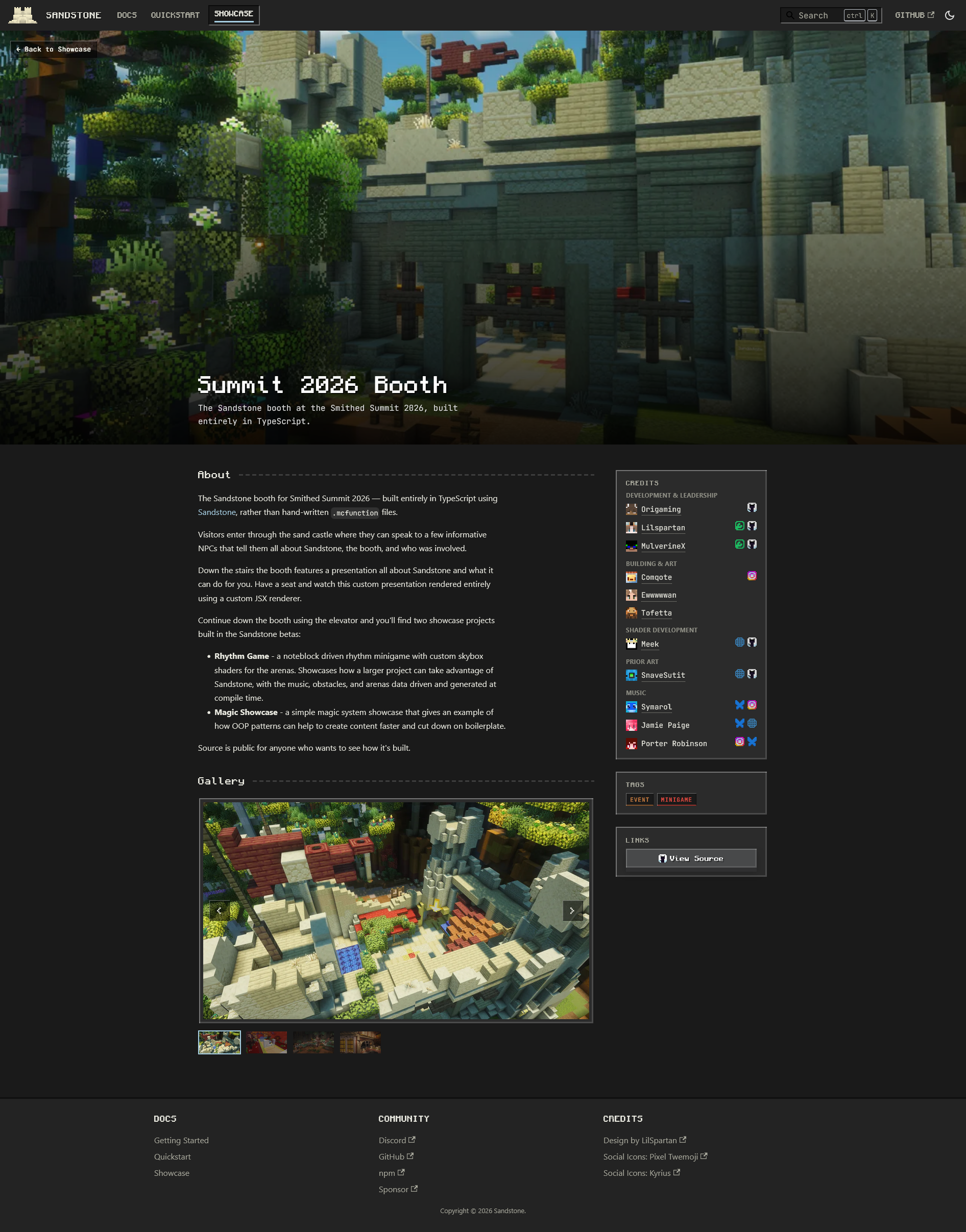
Each project page has a hero image, a Markdown-rendered description (so entries can link out or use bold/italic without the JSON schema needing rich text fields), an image gallery with a keyboard-navigable carousel and lightbox, and a credits sidebar grouped by section (Development, Building & Art, Music, and so on).
Credits are the part I'm happiest with. Each contributor can list a Minecraft account (fetched as a head icon straight from crafthead.net), a role shown as a hover tooltip, and social links rendered as icon buttons. The Summit booth entry alone credits eleven people across five sections, developers, builders, a shader artist, and music, all rendered from the same schema:
{
  "section": "Shader Development",
  "members": [{
    "name": "Meek",
    "minecraft": { "uuid": "8c0fd7d2-bed5-411f-91b6-eed5558f55cc" },
    "role": "Skybox Shaders for the Rhythm Game Showcase",
    "socials": [{ "type": "github", "url": "https://github.com/Meekiavelique" }]
  }]
}
The whole thing is live at sandstone.dev, showcase included, and the source is on GitHub.

Related Project
Sandstone (Docs Website)
Landing page redesign for the Sandstone Minecraft datapack library