Streaming Live Race Data from iRacing to the Web
Overview
Like many people, in 2020 I cycled through lots of new hobbies to keep myself busy, the one that stuck the most though was simracing. The sim of choice was iRacing, which exposes a rich telemetry feed, every car's position, lap times, fuel load, tire wear, session flags. But none of that data is visible to viewers watching a stream. So I wanted to make something that could help your stream chat feel like your actual pit crew.
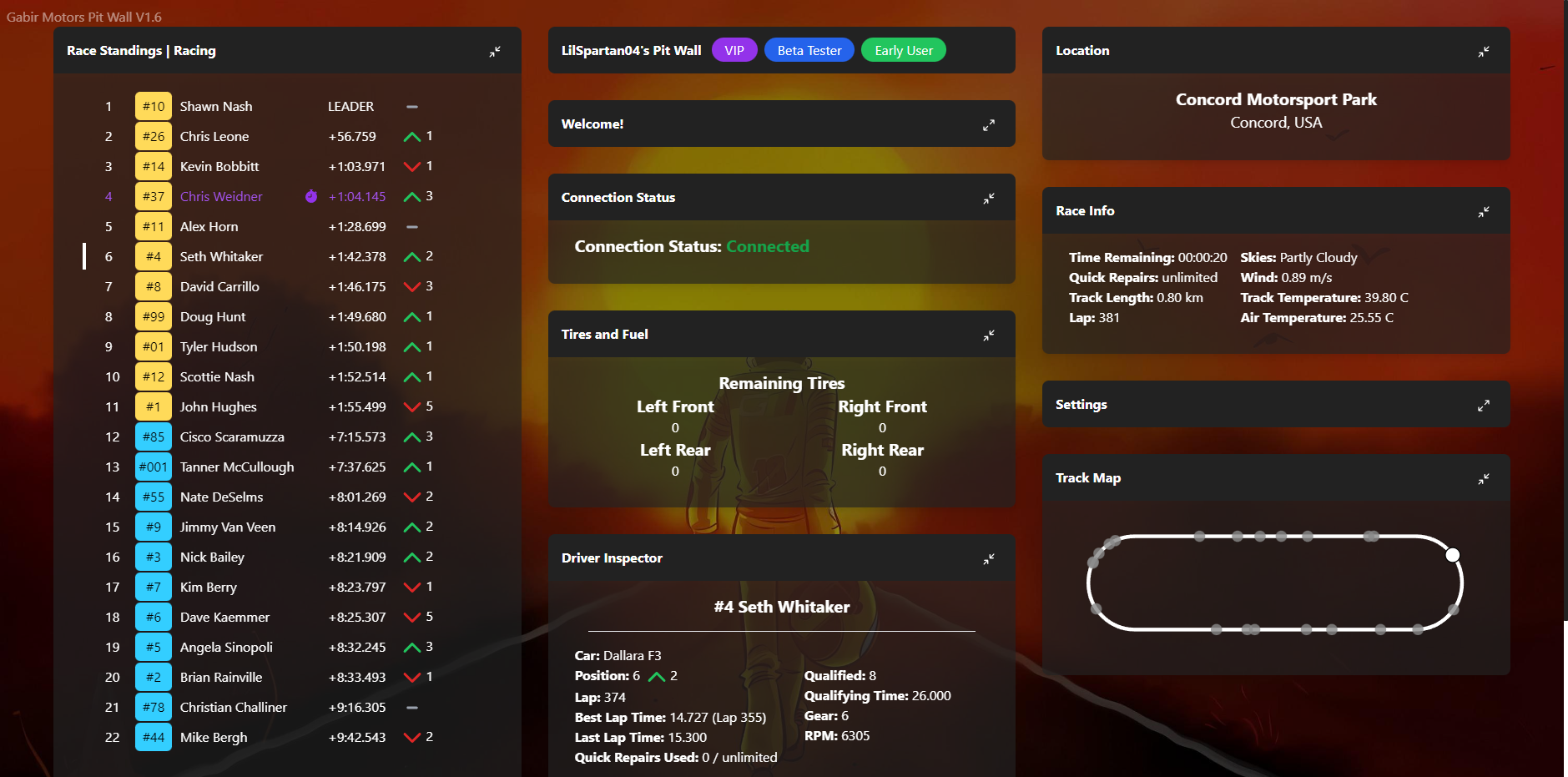
The Pit Wall, named after the Formula One pitwall is a two-part system: a desktop app that reads live data out of iRacing and broadcasts it to a server, and a web app that receives that data and serves it to viewers as live standings dashboards and OBS overlays. The whole pipeline runs on a 1Hz clock for close updates quicker that stream delays.
This writeup focuses on how the data moves, from the game's memory, through the Electron client, across a WebSocket, and into a React UI updating in real time.
The Data Source
iRacing exposes session data through a shared memory interface that the iracing-sdk-js library wraps using two Node.js events.
SessionInfo fires once when a session starts (or when the driver roster changes). It's a YAML blob containing everything static: driver names, car numbers, car classes, track name, weather conditions, qualifying results.
Telemetry fires continuously at iRacing's update rate. Each frame contains the live state of every car on track:
- Position (lap + percentage around track)
- Lap count and current lap time
- Fuel remaining
- RPM, gear, throttle, brake
- Track surface (on track, in pit, off world)
- Session flags (green, caution, white, checkered)
NOTE: iRacing outputs telemetry must faster than the Pitwall updates, this was a tradeoff to minimize costs since this was a free to use tool.
The Electron app subscribes to both events and keeps an in-memory model of the full session state, merging the slow SessionInfo data with the fast Telemetry stream.
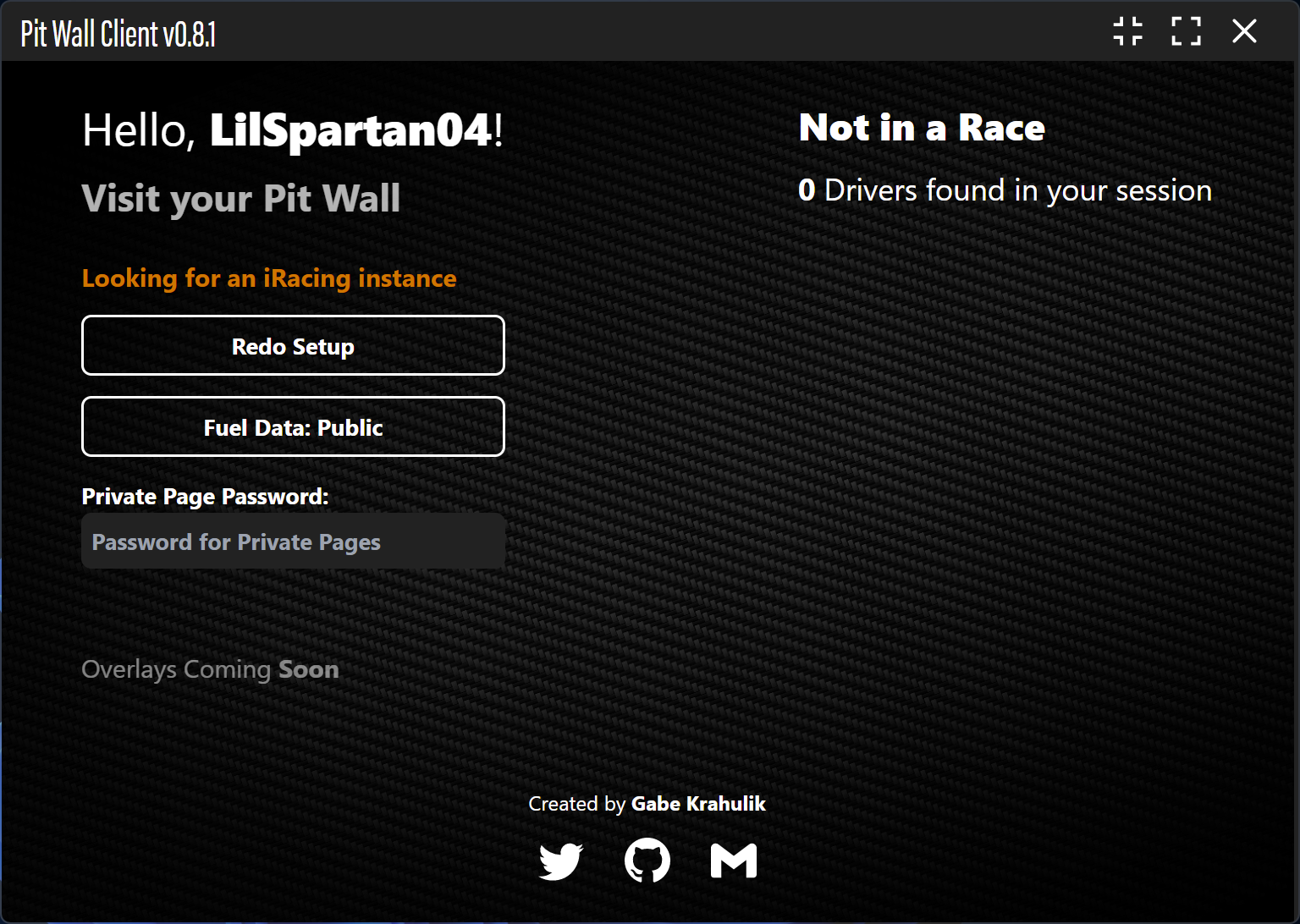
The Desktop Apps
The Electron main process does three jobs: read from iRacing, maintain state, and broadcast to the server.
State Management
On each Telemetry tick the app updates its in-memory driver array. One non-obvious piece is fuel tracking: iRacing reports current fuel level but not per-lap consumption. The app tracks this itself by recording the fuel level at the start of each lap and computing the delta when the lap completes, building a rolling history that's used to project how many laps of fuel remain.
// rough shape of the per-driver state the app maintains
{
  CarIdx: 3,
  UserName: "Gabe Krahulik",
  LapCompleted: 14,
  FuelLevel: 2.34,
  laps: [
    { lap: 13, fuelUsed: 0.41 },
    { lap: 14, fuelUsed: 0.39 }
  ]
}
IPC to the Renderer
The main process sends two IPC messages to the renderer (the visible Electron window):
session_update- onSessionInfochanges, carries driver roster and track infotelemetry_update- on every telemetry tick, carries live car states
The renderer uses these to show the driver their own session at a glance.
Broadcasting via Socket.io
Once per second, the main process emits a standings event to pitwall.gabirmotors.com over a persistent Socket.io connection:
socket.emit("standings", JSON.stringify({
    sessionInfo,       // track, weather, flags, session type
    sessionRacers,     // all drivers with live telemetry
    driverData,        // the streamer's own fuel/tire/lap detail
    options: {
        channel,       // Twitch channel name used as the room key
        fuelIsPublic,  // whether viewers can see the streamer's fuel data
        password,      // optional channel password, used to protect some pages
    }
}));
The channel name is the room key, every broadcast is associated with a specific Twitch channel, and viewers subscribe to that channel's feed while also getting a chat widget on the dashboard.
The Server
The server is a Next.js app with a Socket.io instance attached to the HTTP server via pages/api/socket.ts. There's no database, all state is kept in a plain in-memory array of active channels, this works since the tool is only required to work live, so no persistence is needed.
When a standings event arrives the server:
- Finds or creates the channel entry in the array
- Detects fastest lap changes and emits a separate
fastest_lap-{channel}event if one occurred - Tags the channel with any special roles
- Re-emits the processed data to all connected clients in the room
The Viewer
Viewer pages (both the full dashboard and the OBS overlays) follow the same connection pattern. On mount, the page gets /api/socket to ensure the Socket.io server is running, then subscribes to the channel's event stream:
useEffect(() => {
    fetch("/api/socket").then(() => {
        socket = io();
        socket.on(`standings_update-${channel}`, (data: string) => {
            const parsed = JSON.parse(data);
            setDrivers(parsed.drivers);
            setSession(parsed.session);
        });
    });
}, []);
OBS Overlays
The second half of the viewer app is a set of purpose-built overlay pages designed to be dropped directly into OBS as browser sources.
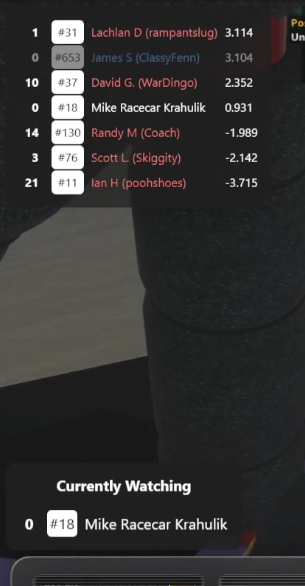
Each overlay connects to the same Socket.io feed but renders only one piece of data:
| Overlay | What it shows |
|---|---|
standings/[channel] |
Full grid, position, name, gap, lap count |
relative/[channel] |
Cars within 3 relative positions of the streamer |
fuel/[channel] |
Streamer's fuel remaining and burn rate |
track/[channel] |
Track map with live car positions |
fastest-lap/[channel] |
Animated banner when a fastest lap is set |
shiftlights/[channel] |
RPM bar for visual shift point indication |
The whole stack is stateless by design. The Electron app is the source of truth, if anything downstream drops it reconnects and the 1Hz broadcast catches everything back up within a second.

Related Project
The Pitwall
Give your Twitch chat the tools they need to be your pit crew